
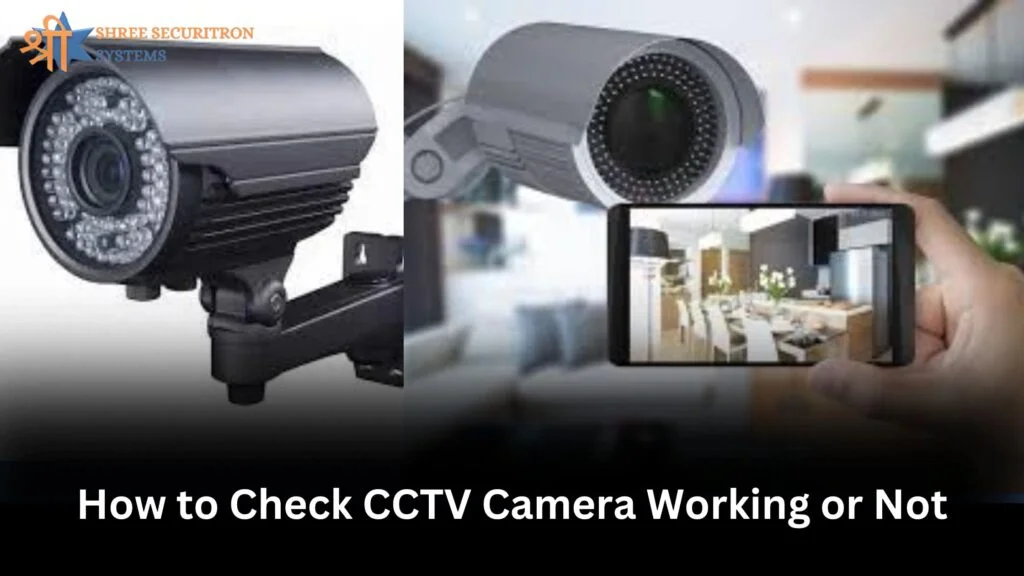
Want Peace of Mind? Learn How to Check CCTV Camera and Keep Your Loved Ones Safe
Have you ever been uncertain about the accuracy of your CCTV camera is working? It’s not a problem. A lot of shopkeepers, homeowners, and business owners set up security cameras for protection, but fail to check their performance on a regular basis. Being aware of how to check CCTV camera health can make the difference between protecting your property and leaving your home at risk.
At Shree Securitron We’ve been helping individuals on the automation of security since. Being one of the world’s most reputable CCTV dealer, we know the importance of real-time monitoring however it’s only useful when your camera functions properly.
This blog will assist you in understanding the steps you can take to determine the status of the CCTV camera is working connected, connected, recording and storing footage the way it ought to.
Why Is It Important to Check CCTV Camera Functionality Regularly?
Security systems are usually placed in and are then discarded. But, as with other type of technology, CCTV cameras can experience problems, power interruptions or wiring problems, and even the possibility of tampering. Regular checks ensure:
- This footage has been recorded. It’s stored correctly.
- Cameras aren’t misaligned or physically damaged.
- Alerts are sent immediately when there is any movement or intrusion.
- The video quality is clear for the easy identification.
- You’re ready to collect evidence in the event of need.
If you don’t check your system regularly You could be putting your trust in the system you’ve got when you require it the most.
1. Begin by learning the basics Are you able to turn on the power?
The first thing you need to verify is whether the camera is powered. Many CCTV cameras come with small LED indicators that flash when they’re active. If there’s no electricity:
- Verify the power adapter’s as well as the cable connector.
- Check that the outlet is operating.
- Check your power supply, or PoE switch (for IP cameras).).
- If you’re using a DVR/NVR make sure it’s powered off and is connected.
Tips: If your camera is powered by batteries, make sure to replace them or recharge them when needed.
2. Confirm the Display and Recording on the Monitor
The camera may be running but is it actually displaying on the display?
- Connect your DVR/NVR to a screen.
- You can cycle through channels or inputs to find the feed.
- Check for the time stamps, movements and clarity within the video. Look for clarity, time stamps, and movement.
- If you’re not seeing the feed from your camera It could be due to a problem with the cable or your NVR or DVR could need to reboot.
Recording status: On the NVR or DVR’s interface, there’s typically an icon that indicates recording. Make sure that it’s on.
3. Use the Mobile App or Web Interface
Modern CCTV systems provide remote viewing using the web or app. Here’s how you can check the status of the online status of your camera:
- Start the app you want to use.
- Login using your credentials.
- Make sure the camera feed is in live.
- Try playing back footage you have stored from the previous day or two.
If your app isn’t showing your feed, you can try these:
- Make sure to refresh your Internet connection.
- Reboot your router as well as NVR.
- Verify that the device is on within the setting.
At Shree Securitron we provide cameras that provide seamless mobile access that lets users monitor their security systems at any time.
4. Inspect the Camera Lens and Field of View
The camera might be in use however it doesn’t mean that it’s working. Physical inspections can reveal:
- When the lens has been restricted by spider webs, dust or any other particles.
- If the camera was manually redirected or tilted.
- If there’s a leak or a crack in the lens.
- Infrared night vision system is functioning in dim light.
Best Method: Clean your camera every month and check their image in the daytime and at the night
5. Test for Motion Detection and Alerts
If your camera is compatible with the motion sensor or intelligent alerts,
- Step towards the camera to see whether it captures or if it sends out a notification.
- Create test alerts to make sure that the motion sensors are working.
- Review logs to verify that past moves were recorded and were saved.
Smart cameras can send notifications to users via apps. Be sure to ensure that notifications are turned on and not turned off.
6. Check the Recording Storage
Recording can only be as effective as the system that stores it. Check these things:
- Connect to the DVR/NVR and cloud storage.
- Find videos or playback options.
- Check for errors warning of corrupt or full storage.
- If you are using SD cards in cameras that are standalone, take them out and test the cards using a laptop.
It is a good idea to check your footage each week to avoid data loss.
7. Confirm Night Vision and Low-Light Performance
Security threats do not follow an order, nor will your security camera. Night vision testing is essential:
- Switch off the lights, and check when the camera shifts on infrared.
- Check footage of the dark.
- Verify the range of visible under poor lighting.
At Shree Securitron We offer night-vision enabled CCTV systems that provide 24-hour clarity.
8. Conduct a Sound Test (If Available)
Certain advanced CCTV cameras have two-way audio.
- Talk to the camera with your application.
- Find someone nearby to answer.
- Check that the speakers and microphones are operating without delay or static.
This feature is particularly useful for gate entry point, primary gates as well as intercom-enabled installations.
9. Use Software Tools or Camera Logs
A variety of IP-based systems provide the access of camera records
- Check system logs for errors or disconnections.
- Utilize built-in diagnostics within the NVR or DVR.
- See error messages, firmware upgrades and the most recent active timestamps.
Update tip: Make sure your software and firmware are up-to-date for bug fixes and improved performance.
10. Ask a Professional to Audit Your System
If you believe your system isn’t providing adequate security or if several issues continue to arise, professional assistance is crucial. Shree Securitron offers:
- Health audits for the entire system.
- Support on-site and troubleshooting.
- Expertly-recommended upgrading or replacing your equipment.
- Annually reliable maintenance contracts (AMC).
Be aware that any security equipment is only as effective as its maintenance.
Why Shree Securitron is the Right Partner for Your CCTV Needs
With more than 12 years of experience Shree Securitron Systems. Ltd. has assisted hundreds of shops, households, schools, factories and offices in Delhi ensure the security of their premises. This is what sets us apart:
- Our Experience Since 2012: We’ve built and maintained systems across a variety of industries.
- Technologies-Proven Solutions collaborate with world-class brands.
- Trusted Support: We provide 24/7 customer support for each customer.
- One-Stop Security Partner From initial consultation to the installation and AMC — we take care of everything.
We don’t sell just products. We aid you to stay safe in the long-term.
Final Thoughts: How to Check CCTV Camera Regularly for Maximum Security
Your CCTV system acts as your silent guardian, looking after your family, team and even your possessions. However, to be able to trust it, you have to know how to assess CCTV camera health on a regular basis. This could be done with the use of LED lights, mobile application, storage inspection or physical tests, even little steps you take regularly will help you avoid major problems in the future.
For reliable installations as well as upgrades, or even consultations, contact us with Shree Security Systems Pvt. Ltd. -the leading name in Delhi’s security automation. We’re more than CCTV dealer – we’re your long-term security partner.
Need Help With Your CCTV? Contact Us Today:
Phone: +91 9891103106
Address: GF RZF 589/1, Raj Nagar-II, Palam Colony, New Delhi 110077
Your security isn’t an option ensure that your camera on CCTV is prepared to guard what’s important the most.
Really useful guide — it explains in simple steps how to check if your CCTV camera is working properly. Great for anyone doing basic troubleshooting at home or the office
Thanks